Step one open image
Step 2 spot healing
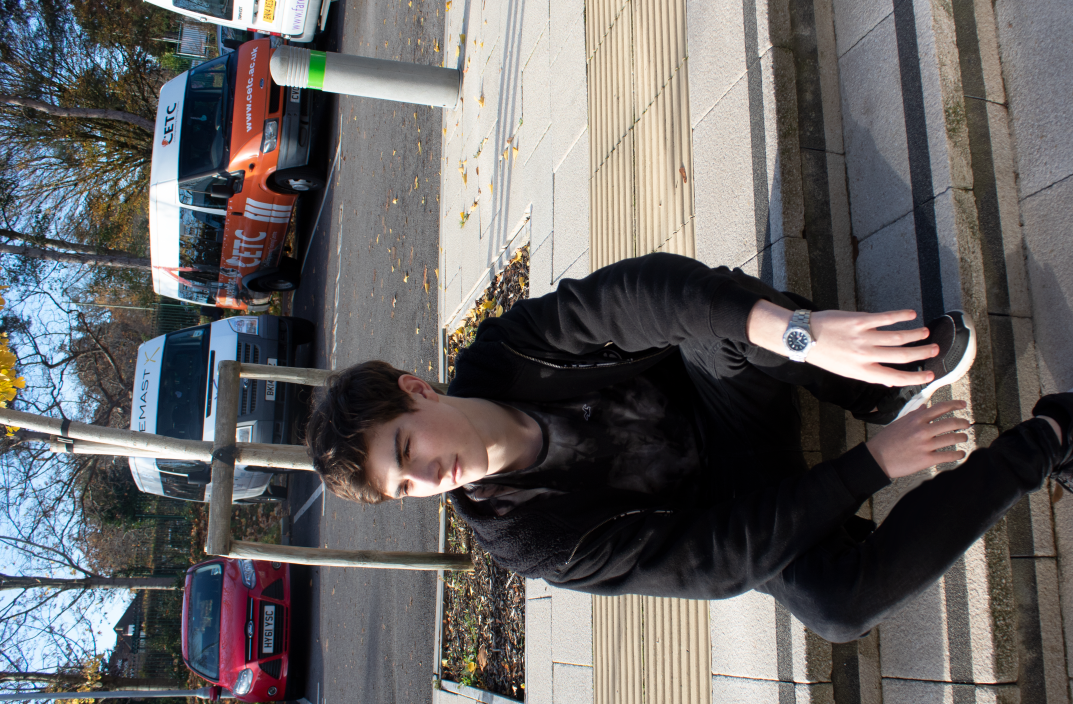
If it is raw you can use the spot healing tool this will remove blemishes and undesirable distractions to the subject.
Step 2 use the colour mask and the paint brush.
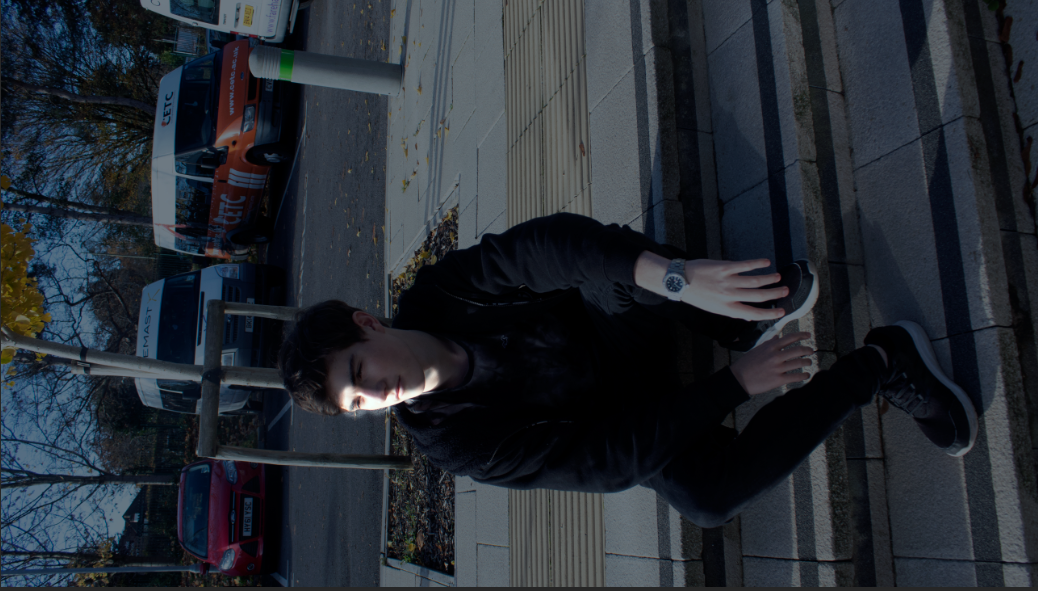
Using the paintbrush tool and the saturation filters you can exclude certain parts and assets.
Step 3 colour and saturation.
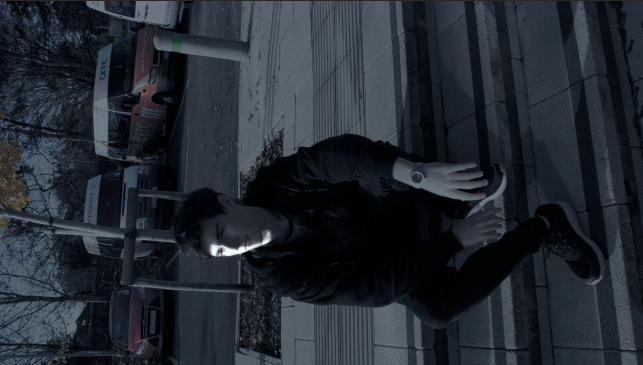
Now you can mess with the overall colour and saturation.

 Peters Media Blog