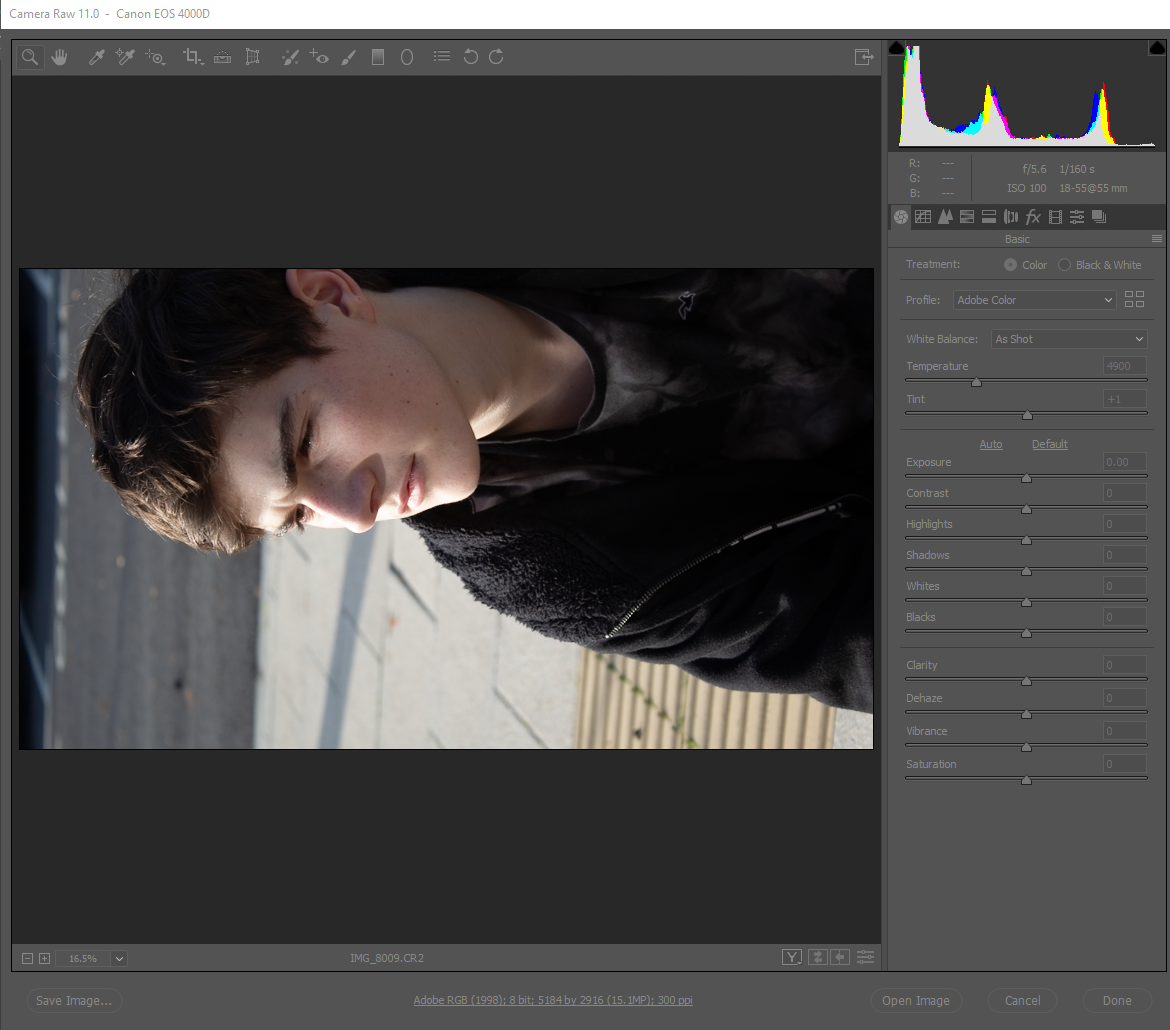
Step one take a raw photograph and open Photoshop
if you did this right you should get this format this is the raw image editing format this can only be reached by directly assessing the raw file
Step 2 changing the temperature and tint
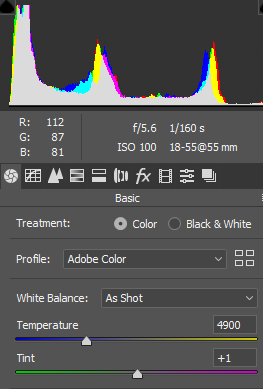
his changes the overall colour of the photo and can mix the tint and temperature this is how you change the overall
Step 3 you can change the contrast and exposure
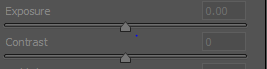
This will change the level of sensitivity to light so if you want to correct the photo or blow it out this is a feature that is auto done bu the camera but if you want a custom
Step 4 highlights and shadows
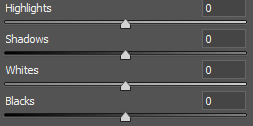
this will change the shadows and and level of definition between light levels this is a very important if you have had a problem with any of the functions on the camera
step 5 clarity and haze
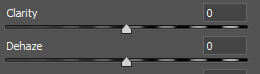
this will change how developed the photo haze will make it over exposed or underexposed and clarity will change how much definition is on the features
Step 6 vibrancy and saturation
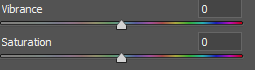
vibrance will change how bright the colours are similarly saturation will also effect the colours in a different way this will work with the tint and temperature so don’t make changes before
Step 7 tools 1

these will allow you to edit with tools more precisely and select specific colours this is important because for more detailed work requires the more specific tool
Step 8 tools 2

these tools allow you to make small changes crop and hide blemishes or mistakes this function is most commonly used trying to get rid of circumstantial things in the background or on the face
Step 9 Photoshop

This can be done to non raw files so many of the functions are similar to previous but have been developed further to fit vector and bitmap images this will not work on smart images so you have to decide whether to rasterise or make the image vector.
Step 10 Photoshop 2

These tools can be used for typing making shapes and erasing these are useful because of their individual uses that can change in different circumstances like the dodge tool the tools have a range of uses most of the tools don’t require it to be rasterised or vector but some make smart objects which cannot be changed after rasterising

 Peters Media Blog